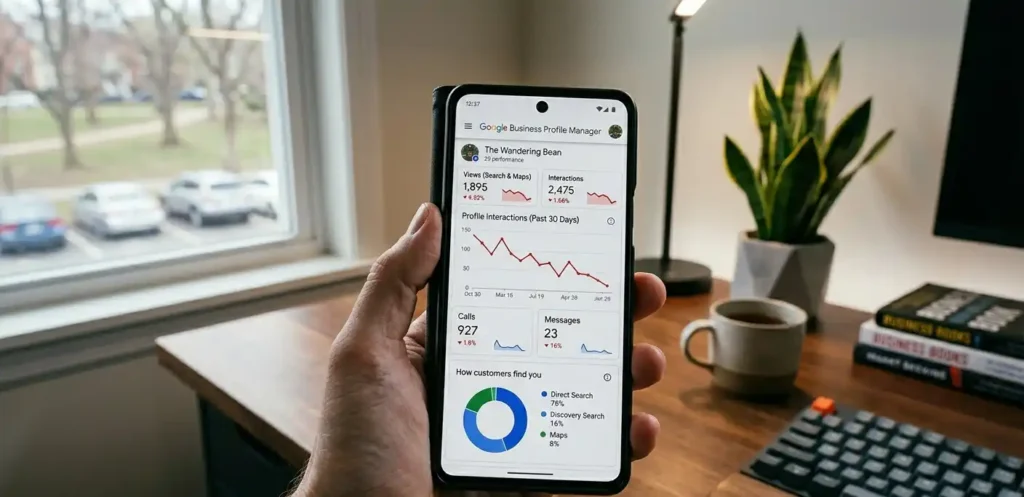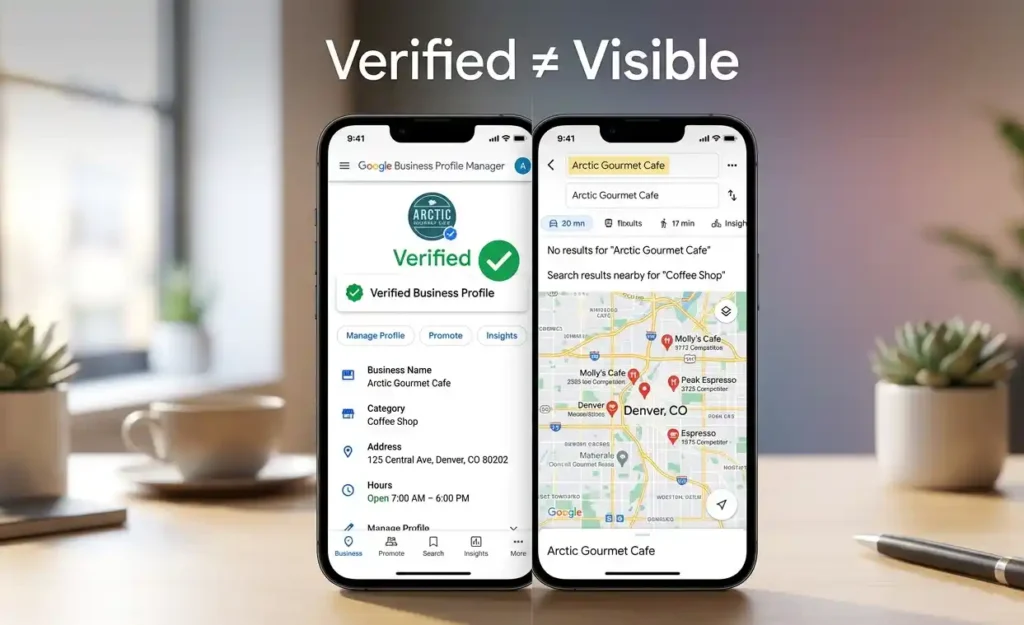

If your Google Business Profile is live but not showing for your target keywords in Google Maps, the issue is not indexing or setup; it’s relevance and keyword-to-entity mismatch inside Google’s local ranking system.
This usually happens when Google understands your business exists, but does not associate it strongly enough with the specific services people are searching for. As a result, you may still appear for your business name, but not for service-based searches.
In most cases, this is not a “fix your profile” problem; it’s a visibility mapping issue involving your category selection, service signals, and overall local authority alignment.
Below, we’ll break down exactly why this happens and how to diagnose the real reason your Google Business Profile is missing from keyword-based Map Pack results.
Why Your Google Business Profile Is Not Showing for Target Keywords
If your Google Business Profile exists but is not showing when you search for your target service keywords, the issue is not setup or indexing.
It is a visibility and relevance alignment problem inside Google’s local ranking system, where your business is not being strongly matched to the search terms people are using.
In most cases, Google understands that your business exists, but it does not confidently associate your profile with specific service queries. This is why you may still appear for your business name or very broad searches, but not for high-intent keywords like your core services.
This problem falls under the broader framework explained in Google Business Profile Visibility Failure System, where ranking issues are diagnosed based on relevance, authority, and keyword alignment signals.
At this stage, the issue is not whether your profile is active, but whether Google considers it a strong enough match for the keywords you want to rank for in Maps results.
How Google Maps Decides Which Businesses Show for Keywords
Google does not rank businesses in a traditional SEO sense. Instead, it evaluates your Google Business Profile as an entity and decides when it should appear based on how strongly it matches a user’s search intent and location context.
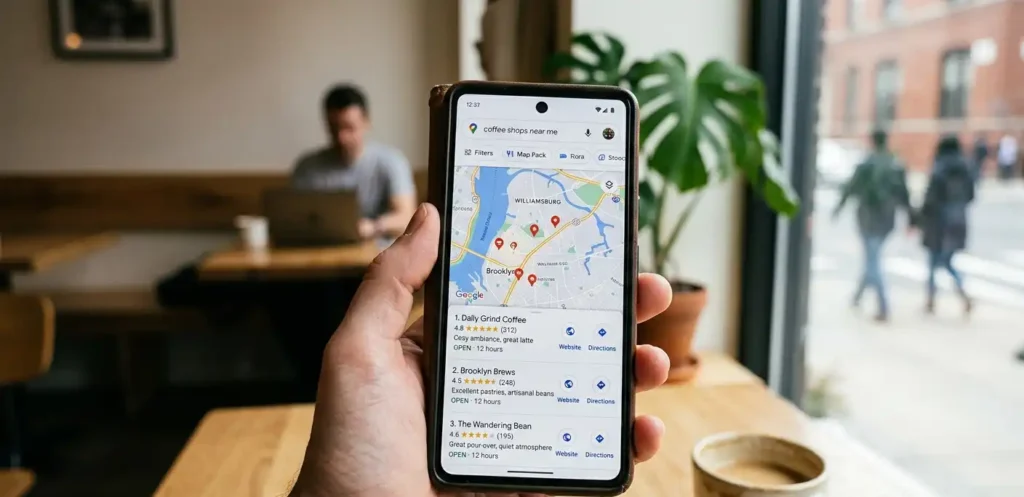
When someone searches a keyword in Google Maps, the system tries to find the closest match between the search query and business entities in its index. This match is built from relevance signals, category alignment, behavioral data, and overall authority strength in a specific location.
Google mainly relies on a combination of structured and unstructured signals to decide visibility.
Key ranking signals include:
- Category relevance and accuracy
- Proximity to the search location
- Entity consistency across web and GBP
- Behavioral engagement (clicks, calls, direction requests)
- Content and service alignment signals
Even if your business is active and verified, it will not appear for keywords unless Google has enough confidence that your profile is the best match for that specific query in that location.
This is why two businesses in the same area can have completely different visibility outcomes, even if they offer similar services.
Wrong Category or Weak Relevance Is Blocking Your Keyword Visibility
Most cases of keyword invisibility in Google Business Profile come down to one core issue: incorrect or weak category alignment.
If your category does not clearly match the service keywords you want to rank for, Google will struggle to connect your profile with relevant search queries.
Your primary category is the strongest ranking signal in your entire profile. It tells Google what your business is, not just what it does. Secondary categories only support this signal, but they cannot replace a weak or incorrect primary category.
Primary category vs secondary category impact
Your primary category has the highest influence on keyword visibility. It determines your core positioning in Google Maps. Secondary categories only expand your reach into related services but do not override the main classification.
Common category-related mistakes include:
- Choosing a generic primary category instead of a service-specific one
- Adding unrelated secondary categories that dilute relevance
- Not aligning categories with actual search demand
- Relying on business identity instead of service intent
When your category setup is weak, Google may still index your profile, but it will not confidently rank you for competitive service keywords because the relevance signal is unclear or diluted.
Why You Rank for Your Business Name but Not for Services
When your Google Business Profile ranks for your business name but not for service keywords, it usually means Google has strong confidence in your brand entity but weak confidence in your service relevance signals.
Google treats brand searches and service searches differently. A brand search is a direct entity match, meaning the system already knows exactly who you are. But service searches require interpretation, where Google tries to decide if your business is relevant enough for that specific intent.
This gap happens when your profile is recognized as a business entity, but not strongly connected to the service keywords people are searching for.
As a result, you appear for people who already know your name, but not for users searching for solutions you offer.
The core issue is not visibility loss, but missing service-level entity reinforcement inside your Google Business Profile and supporting signals.
Competitors Are Showing for Your Keywords Instead of You
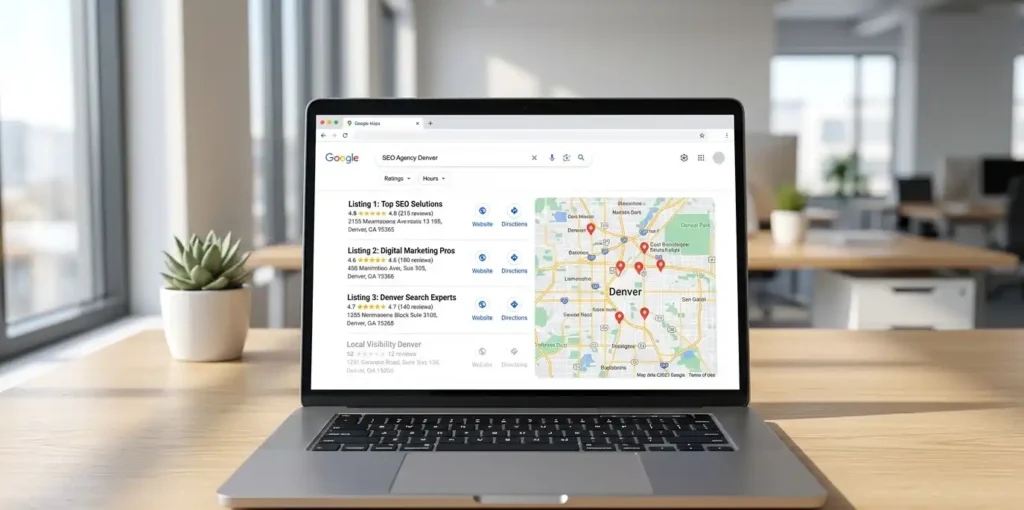
If competitors are showing for your target keywords while your Google Business Profile is not, it is usually not because they are simply better optimized. It comes down to stronger overall local authority signals that Google has built up over time for those competing listings.
Local Map Pack rankings depend on trust, consistency, and engagement history within a specific area.
When competitors consistently appear for the same keywords, it signals that Google has higher confidence in their relevance and performance compared to your profile.
Older and more established listings often dominate because they have had more time to build authority in Google’s system. This gives them a stronger position in local search even when newer profiles are technically well-optimized.
Over time, factors like reviews, engagement consistency, and stable category relevance strengthen their visibility, making it harder for newer or weaker profiles to compete for the same keyword space.
How to Fix Google Business Profile Keyword Visibility Issues
Fixing keyword visibility in Google Business Profile requires realigning how Google understands your business through categories, services, and supporting content signals.
The goal is not just optimization, but rebuilding relevance so your profile matches the exact keywords users are searching for.
Category correction strategy
Your primary category must reflect your core service in the most specific way possible. Secondary categories should support related services without diluting the main intent.
If your category is too broad or misaligned, Google will struggle to place your business in the correct keyword space, even if everything else is optimized.
Service keyword alignment strategy
Your services should be written in the same language users search with. Instead of generic labels, use keyword-driven service descriptions that reinforce what you want to rank for in Maps results.
Key fixes include:
- Update primary category to match your highest-value service
- Add relevant secondary categories for supporting services
- Rewrite service descriptions using real search-based keywords
- Strengthen alignment between GBP services and website pages
- Add consistent keyword-focused GBP posts over time
When these signals work together, Google gains stronger confidence in your relevance, which directly improves visibility for target keywords in local search results.
When Your Google Business Profile Issue Is Not Keyword Related
Sometimes the reason your Google Business Profile is not performing is not related to keyword targeting at all. Instead, the issue comes from a deeper visibility or ranking failure where Google is either not fully trusting your profile or has reduced its overall local authority.
In these cases, trying to fix keywords will not solve the problem because the root cause sits in a different layer of the ranking system.
This is why it is important to first identify whether your issue is truly keyword-based or something more fundamental.
Signs of full ranking failure
- Your business does not appear for any local search keywords
- Your Google Business Profile is missing from the Map Pack completely
- Even branded searches show weak or inconsistent visibility
If this applies, it may be a broader ranking issue similar to GBP Map Pack Ranking Failure.
Signs of post-update visibility drop
- Rankings dropped suddenly after a Google algorithm update
- Previously stable keyword positions disappeared without changes
- Visibility fluctuates even though your settings remain the same
If this applies, it is usually related to update volatility issues explained in Local SEO Update Drop Issue.